
Free Text to Video AI:
Turn Scripts and Prompts into Videos


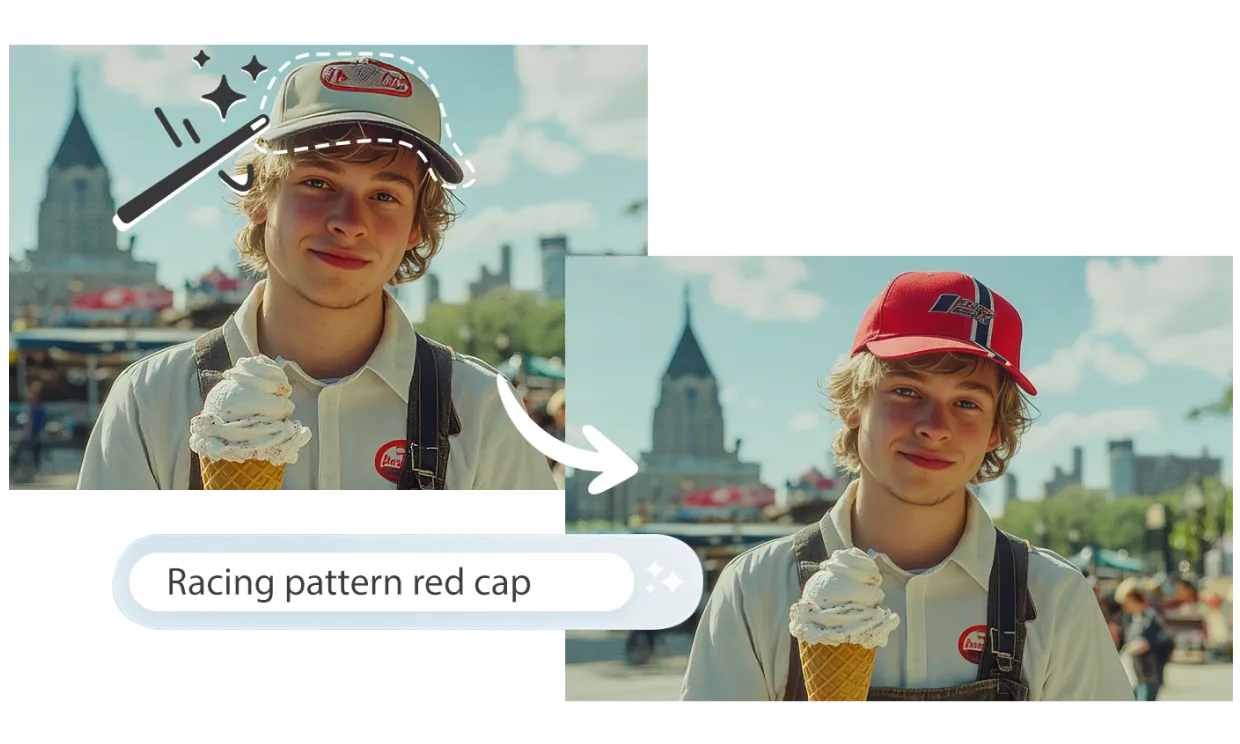



Turn a simple idea into a complete video with just an AI prompt. Choose a social media template, and AI Studios will generate the script, visuals, and avatar narration automatically, letting you publish short-form or long-form content in minutes without editing skills or extra production costs.

Build a YouTube presence without ever appearing on camera. With AI Studios, you can generate full videos from text and deliver them through 2,000+ avatars (or your own custom avatar) in more than 50 languages. It’s the fastest way to launch and grow a faceless channel with consistent, professional-quality content.

Experiment, iterate, and publish video content at scale. AI Studios text to video AI lets you create professional videos on demand, making it easy to test new ideas and adapt messaging quickly so you can move at the speed of your audience.
Follow these simple steps, and you'll have a polished video ready in no time using the best AI Video Generator.

Describe your video idea by typing into the text bar on the dashboard or into the Topic to Video' menu.
After you've entered the prompt, customize each part of the video from language to the AI avatar video presenter.
Click 'Generate' and watch your video come to life in real-time. AI Studios will automatically write the script and create the footage in just minutes.
After the video draft is complete, you can edit the footage & script as needed. Once it’s just right, generate, share, or embed the video wherever you like.
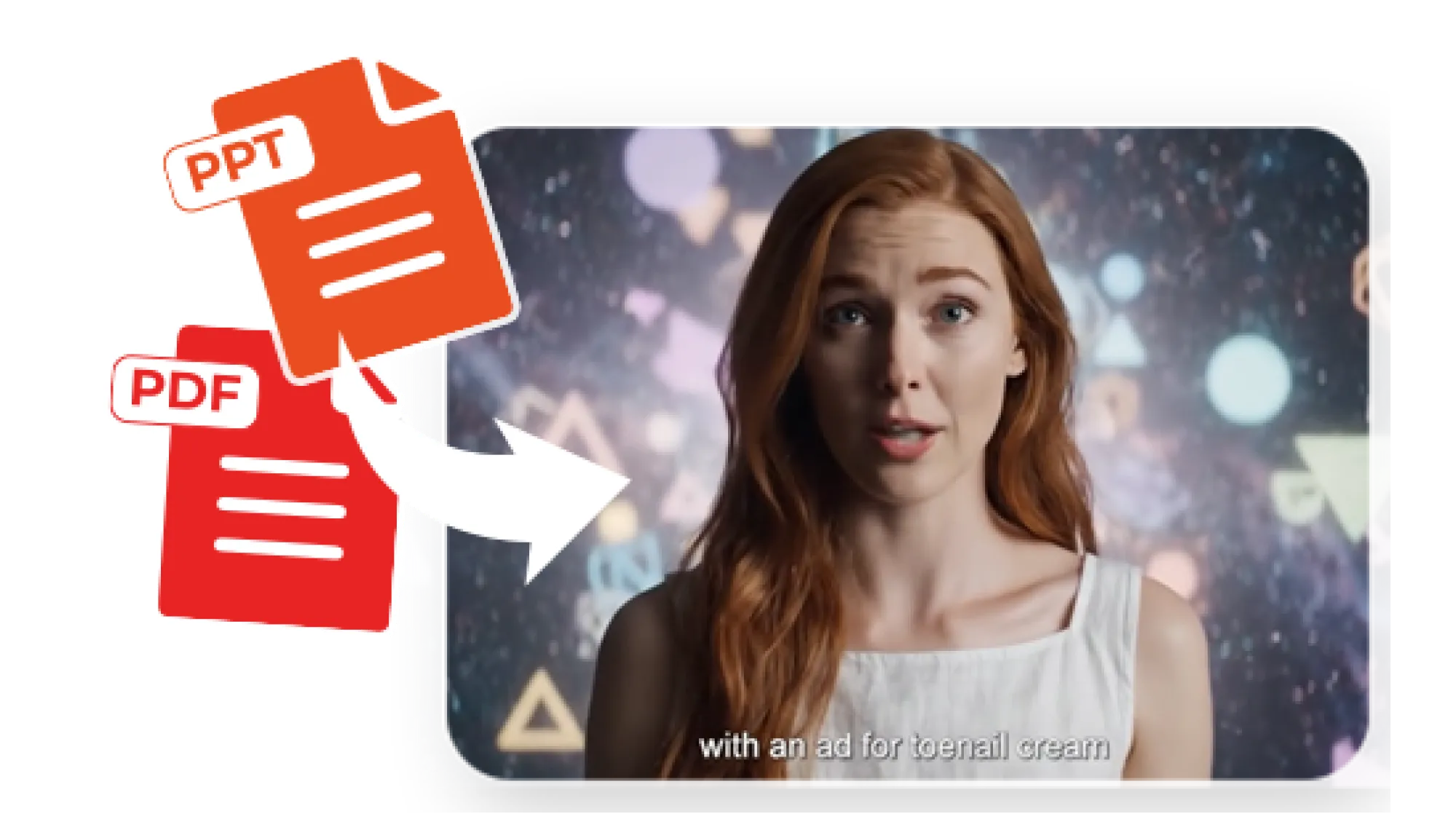
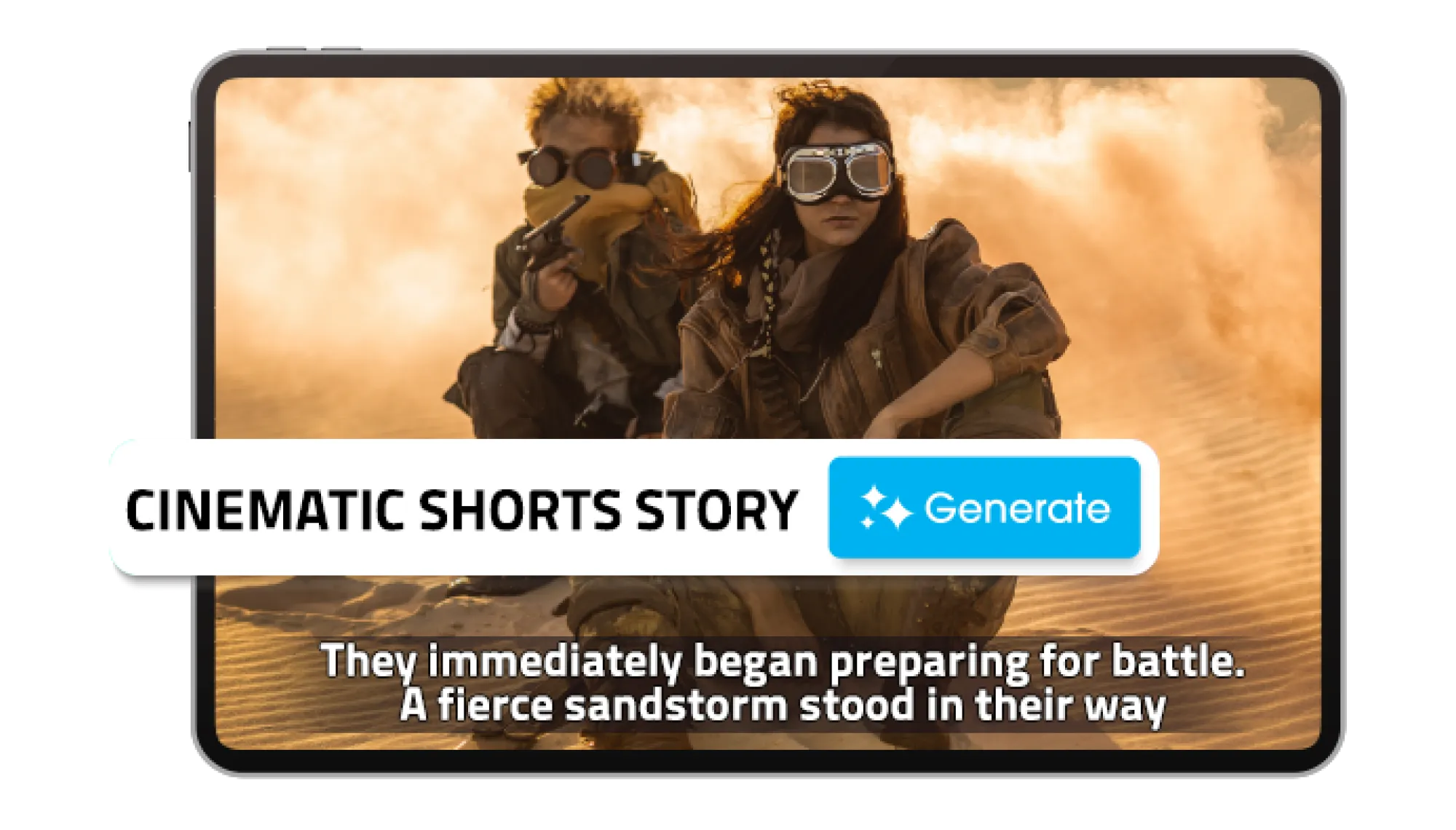

Use AI Studios to produce videos in minutes—simply input your video topic and let the powerful text-to-video AI generator do the rest.
Choose from over 2000 pre-made avatars or select a custom avatar you’ve created to present your video.
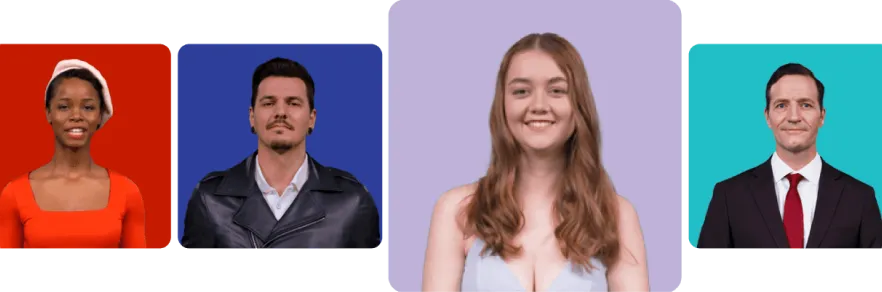
Enter your video topic, choose the language, and let AI Studios handle the rest.

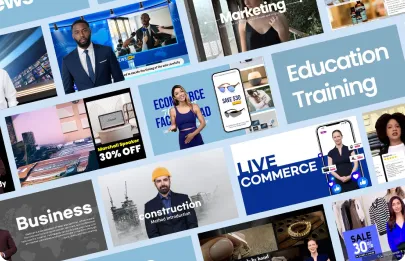
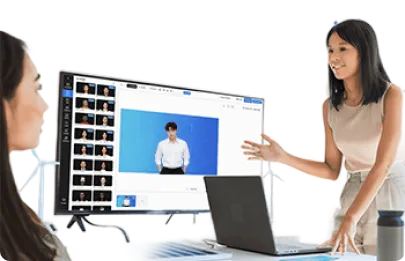
Transform text, prompts, and documents into professional-qualityvideos with just a few clicks.

Produce videos without costly gear, studios, or production teams.

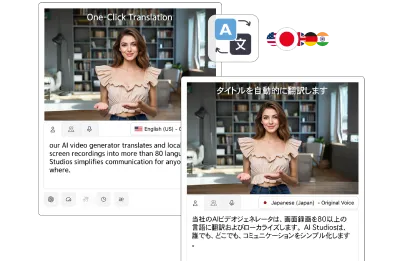
Instantly translate videos into 70+ languages with realistic AI voices.

Cloud-based editing for remote teams and on-the-go creators.

Start creating studio-quality videos with zero learning curve.
With AI Studios, there's no need to juggle schedules or hunt for studio space.
Create videos in the cloud on-demand and effortlessly scale your workflow.
Eliminate expenses like studio rentals, actor and production staff hires, or investing in costly equipment like cameras.
Our platform is designed to empower users of all skill levels, allowing anyone to produce high-quality videos without any previous experience or training.
AI Studios is my favorite one to use out of them all! I really liked how up-to-date the features are.

AI Studios is a powerful tool for creating AI-generated videos using basic text.

AI video generation streamlines the process of creating video content. It can quickly convert text-based information into engaging videos.

AI Studios allows users to quickly prototype and test new ideas, which can lead to innovation and new discoveries.

AI Studios eliminates the need for freelancers to invest in expensive hardware or software, making it a cost-effective solution.

If you’re new to AI Studios or looking to supercharge your video creation workflow, our FAQ section will help you learn more about our features.
Text to video technology is the process of converting a written script into a complete video automatically. Instead of filming or editing, the system reads your text and generates narration, visuals, and accurate lip-sync.
In AI STUDIOS, AI text to video is powered by advanced LLMs (large language models) that understand natural language and structure it into video-ready scripts. The platform enhances this with lifelike avatars, natural speech, and multilingual support in more than 50 languages, making it simple to create professional videos for marketing, education, or training.
Up to 15,000 characters, and at least 100. In Script to Video, choose AI-generated script to have AI write a new script from your text and split it into scenes, or Use my own script to keep your exact wording, with each paragraph becoming one scene.
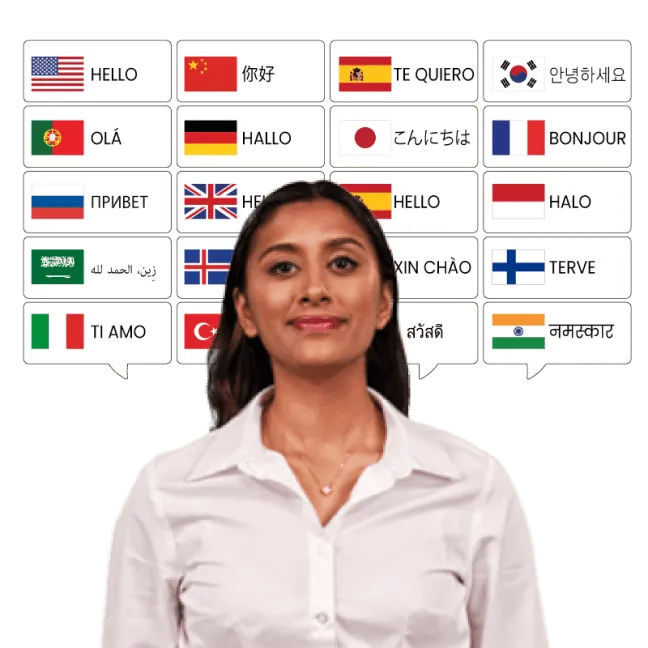
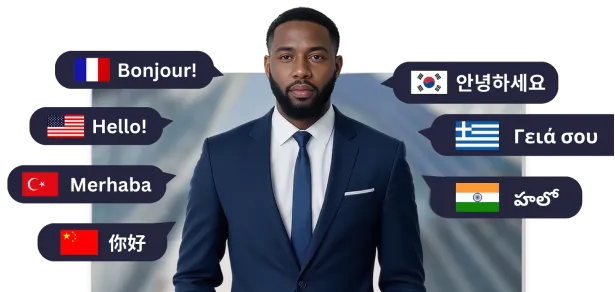
Yes. AI STUDIOS makes multi-language text to video simple by supporting over 50 languages and regional accents. With AI avatar text to video, your script is delivered by lifelike avatars with natural narration and accurate lip-sync. This makes it easy to create localized content for global audiences, helping businesses, educators, and creators reach viewers in their own language while keeping brand messaging consistent.
Yes. The Free plan includes 12 credits on sign-up and up to 3 video exports per month (up to 1 minute each, with a watermark), so you can try avatar-based text-to-video before upgrading. Personal ($29/month, or $24/month billed yearly) includes 700 credits per month, and Team ($69 per seat per month, or $55 billed yearly) includes 1,000 credits per seat.
Text-to-video creation uses credits. Avatar video export uses 9 credits per minute, and generative text-to-video uses a different amount depending on the AI model, which you can check before generating. Free includes 12 credits on sign-up, Personal includes 700 credits per month, and Team includes 1,000 credits per seat per month shared across the team. If you run out, you can buy extra credits or turn on auto-recharge on paid plans.
When looking at text to video vs Synthesia, Heygen, SORA, and VEO3, it’s important to note how each tool specializes. Synthesia and Heygen are SaaS platforms focused mainly on avatar-driven text-to-video creation. SORA and VEO3 are generative AI models designed to produce cinematic video scenes from prompts, but they do not offer avatars or workflow features.
AI STUDIOS is unique because it combines both. It lets you create avatar-based videos for marketing, training, or education while also generating original video scenes from text prompts. On top of that, it includes workflow automation tools like screen recording, image generation, and translation, giving businesses, educators, and creators an all-in-one platform instead of juggling multiple tools.
Yes. In Script to Video, select Voice Only under Avatar to create a narrated video without a presenter. For each scene's media, use free or premium stock images and videos, or choose Generative to have AI create an image or video from the script.
In AI Studios, Script to Video turns a full script, blog post or article into a multi-scene video presented by an AI avatar or a voice only. The AI Video Generator turns a short text prompt, with an optional start or end image, into a single AI video clip. Use Script to Video for explainers, training and YouTube videos, and the AI Video Generator for short cinematic or visual shots.
Everything you need to create pro-quality videos all in one place. Discover tools that make video creation easier, faster, and better.

Deepbrain AI's video generator and conversational AI technology aim to bridge the gap between the advantages of human interaction and digital convenience.
Learn how our AI Avatars can help your projects and business scale more efficiently and reduce costs and time -- all without compromising on quality.


DeepBrain AI,
Inc.540 University Ave., Suite 200, Palo Alto, CA 94301


