PDF to Video
AI Genertor

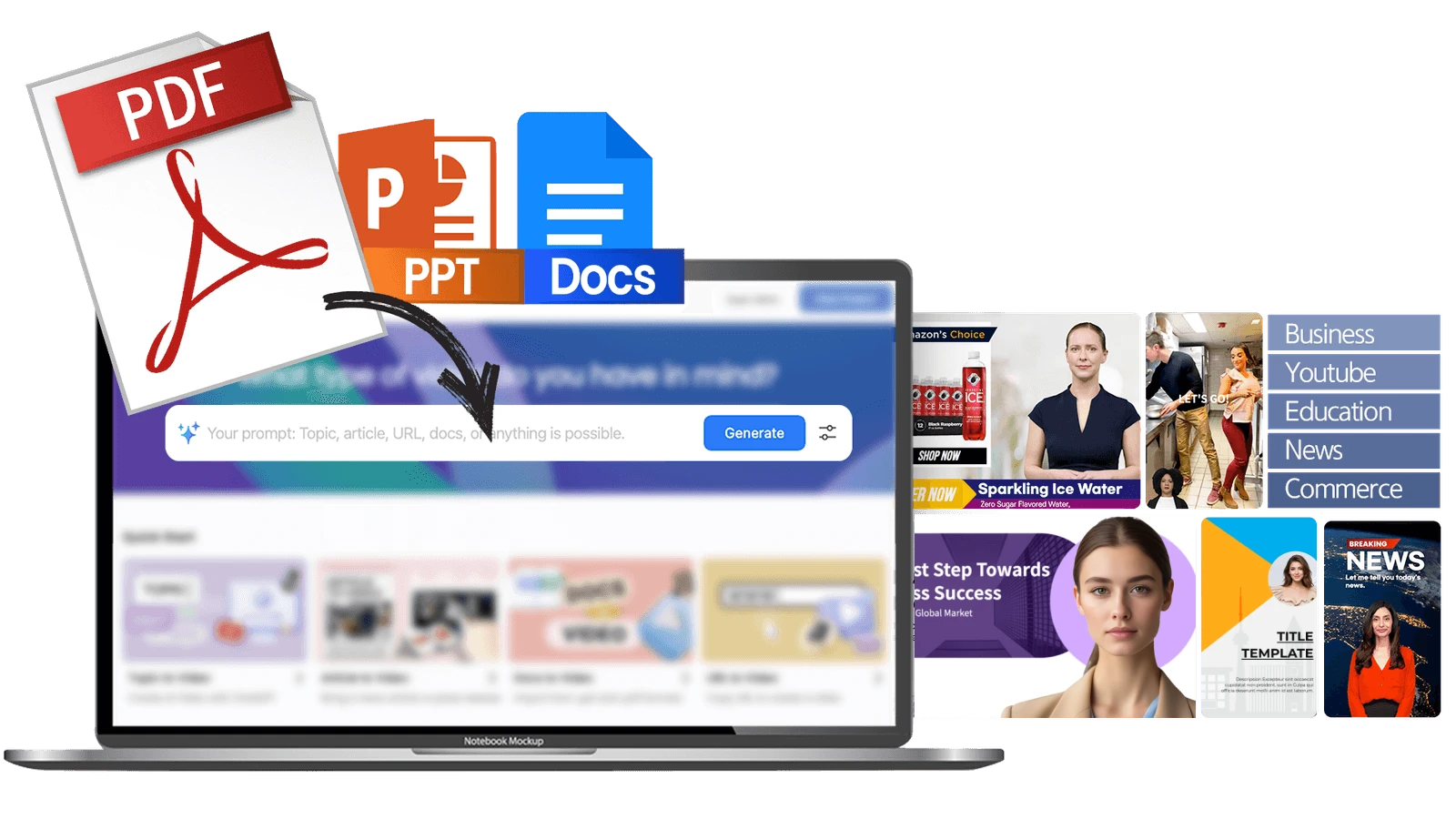
Turn static PDFs into dynamic videos with AI Studios’ PDF-to-Video AI converter. Upload your PDF, customize your script and visuals,and generate professional videos with avatars and voiceovers — all online, no editing experience needed.
Get Started for Free
Loved by
2,000,000+ Users
aws logo
bmw logo
intel logo
lenovo logo
pfizer logo
seveneleven logo
lg logo
hsbc logo
lotte logo
samsung logo
kb logo
shinhanbank logo
kyowon logo

Convert PDF to Video format

Best AlternativeGet Started for Free
PDF to Video is designed to be versatile for all video creators. Have a video storyboard, meeting notes, or just a ton of notes in a PDF? Let AI Studios do the heavy lifting!
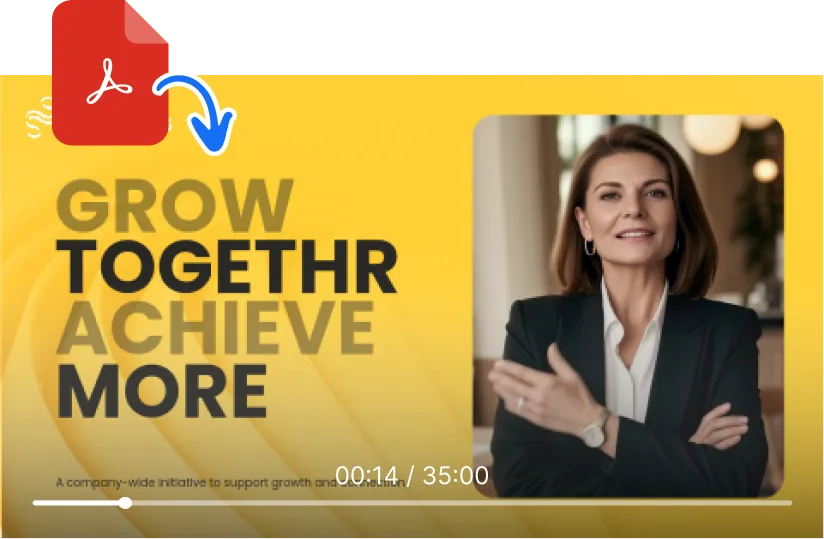
Bring your static text documents to life and save time and effort using AI Studios. Create a first video draft in minutes, including scripts, video footage, and voiceover. Jumpstart video creation with just a PDF!

How to Convert PDF to Video (Step-by-Step)

Learn how DeepBrain AI's AI video generator and AI Avatar capabilities enable you to create professional digital content in minutes

Step 1. Upload a PDF

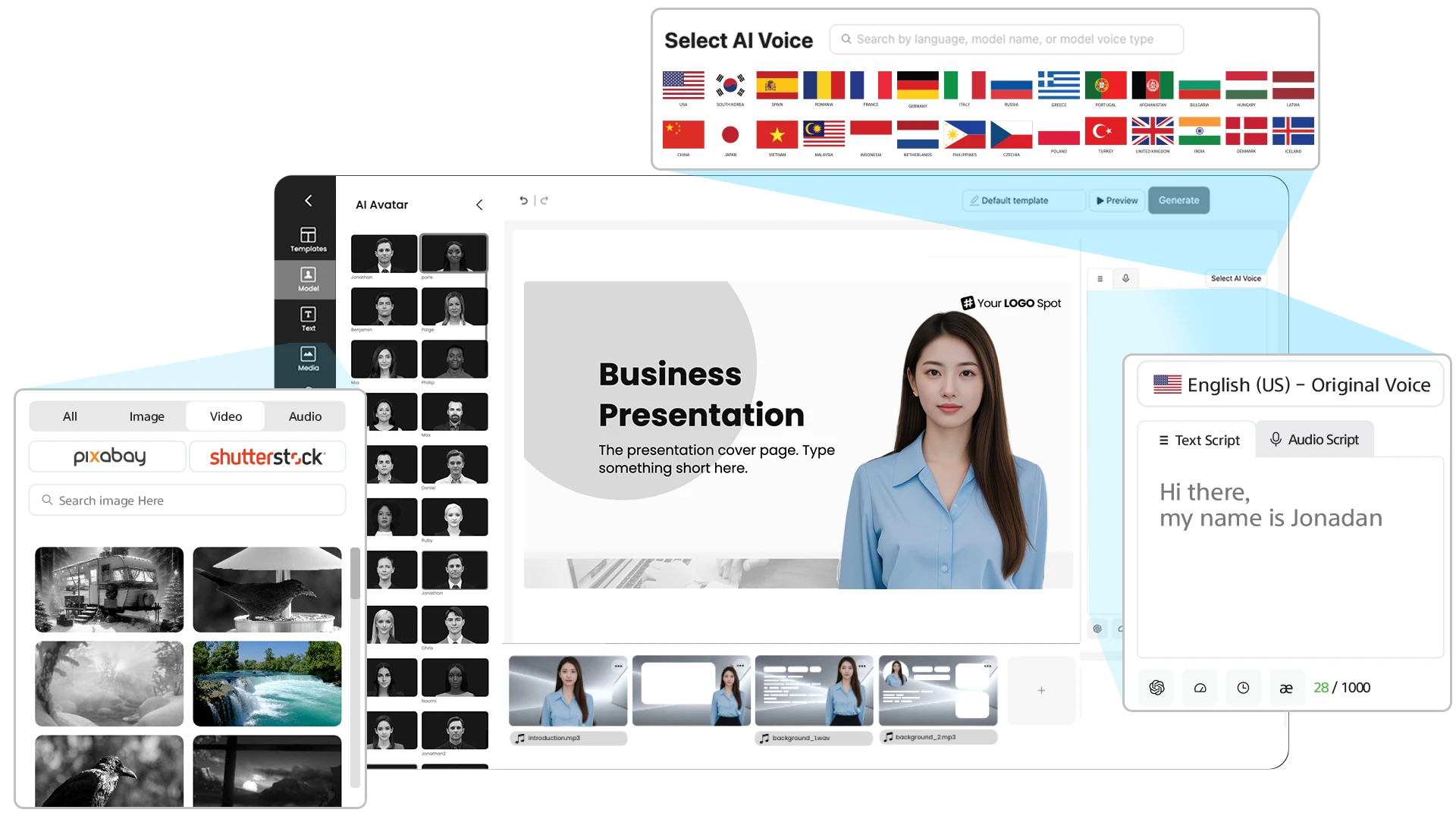
Upload your PDF and customize the video's duration, choose the type of images and footage you want to include, and even select the language you prefer for the video!

  • PowerPoint to Video Converter
    Optimizes stock or extracted images and video footage
  • PowerPoint to Video Converter
    Generates text for both visuals and scripts
  • PowerPoint to Video Converter
    Produce videos on any topic in more than 150 languages
Get Started for Free
Convert PowerPoint to Video

Step 2. Edit Script and Media

After the video draft is created, you can revise the scripts, replace stock media, and effortlessly edit your video with all of AI Studio's video editing essentials at your fingertips.

  • PowerPoint to Video Converter
    2000+ lifelike AI avatars to provide video voiceovers
  • PowerPoint to Video Converter
    900+ voices to choose from or record/upload your own
  • PowerPoint to Video Converter
    All-in-one video editing and creation platform
Convert PowerPoint to Video

Step 3. Generate And Share

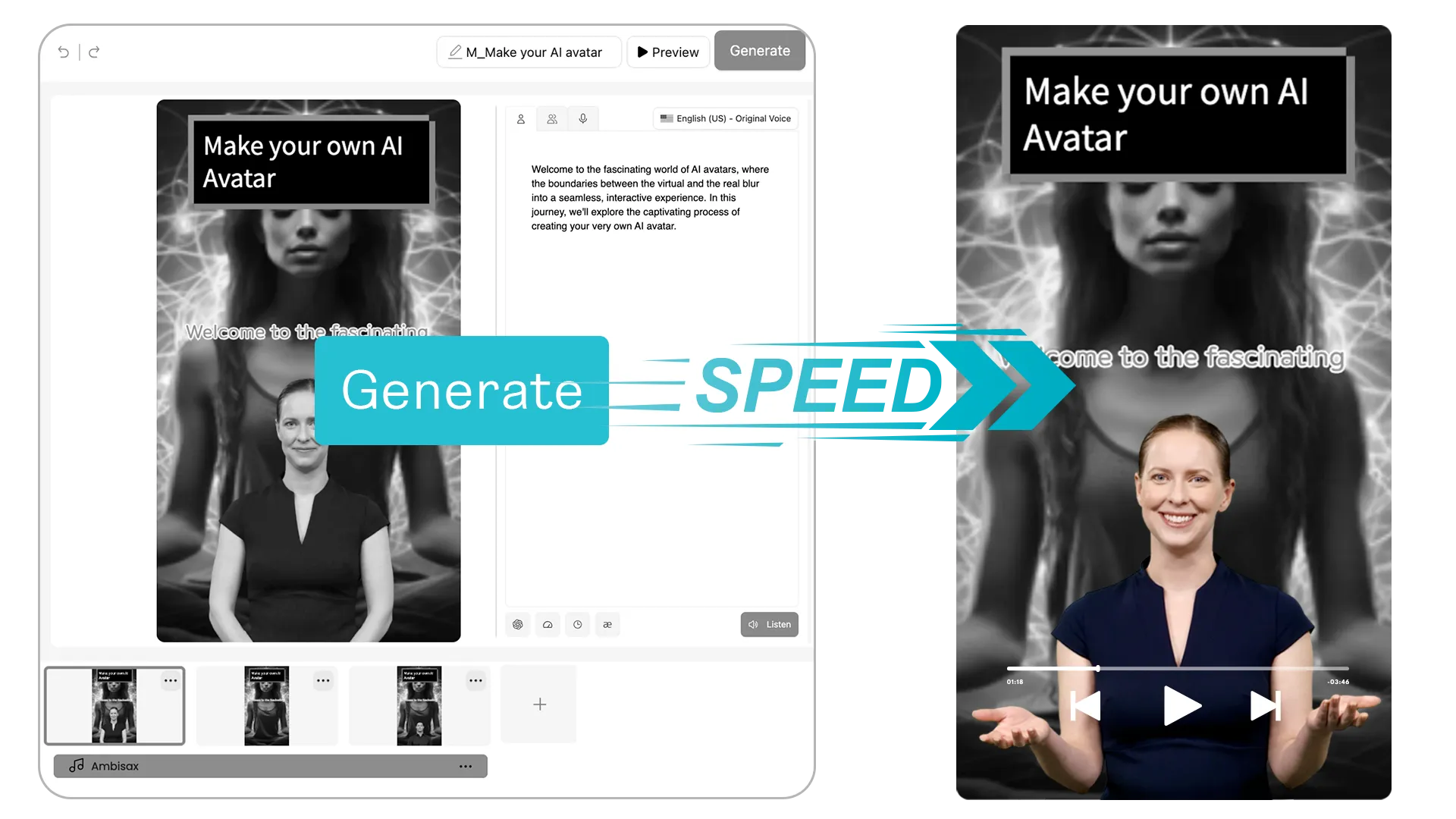
Once you're ready, hit "generate" and watch your AI avatar come to life. Your video will be ready to be downloaded or shared!

  • PowerPoint to Video Converter
    Video will be generated in just minutes
  • PowerPoint to Video Converter
    Royalty-free AI avatars for stress-free sharing
  • PowerPoint to Video Converter
    Easy one-click embed code to share anywhere
Convert PowerPoint to Video

Why Use AI Studios for Free PDF to Video

Fast & easy

Upload PDFs and generate videos in minutes.

Multilingual

Convert and localize content in 150+ languages.

Professional look

Use avatars, templates, and branded visuals.

Cost-effective

No studio or expensive software needed.

Why Creators Choose AI Studios by DeepBrain AI

5 out of 5 Stars review
As being someone that was new to content creation, it provided me the tools necessary to creat videos for my youtube channel. The avatars are so realistic, its unbelievable. I totally recommend this product for newbies starting off in their content journey, it helps with developing your creativity and also gives other persons comfort knowing they can publish their work, without having to show their faces, as not everyone wanna be seen on the internet or social media.
5 out of 5 Stars review
What I like best about AI Studios is its ability to generate AI videos from basic text instantly, providing a quick and efficient way to create realistic AI avatars. The Text-to-Speech feature and support for multiple languages make it highly versatile and accessible.
5 out of 5 Stars review
AI Studios offers a fast and intuitive way to create professional-quality AI videos without the need for advanced editing skills. The user-friendly interface and wide selection of avatars and voice options make it easy to generate engaging content quickly. I especially appreciate the ability to update scripts and regenerate videos instantly, which is a huge time-saver.
5 out of 5 Stars review
At our company, we need to create videos quickly to better engage customers. This has been a great tool for producing those videos at a much lower cost compared to working with a professional studio. Overall, it's a great product—I recommend it because it's intuitive and easy to use.
5 out of 5 Stars review
Recording audio for a presentation video used to take us at least a full day. It involved multiple takes, editing, and juggling 3–4 different apps. Now, as long as we have the script ready, the video is generated in just minutes.
5 out of 5 Stars review
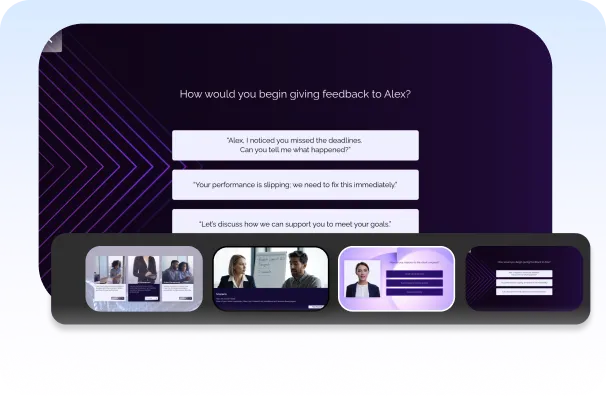
The videos created by AI Studios are ideal for creating online courses. You can create talking head videos on top of slides to explain any concept, and the clips are not all the same, so it looks like a professionally edited video. You can even use different avatars from one scene to another so it looks like multiple people are talking.
5 out of 5 Stars review
This has certainly helped the flow of my content. It saved time, when I am stuck and am able to generate more ideas quickly. I have also tested it's capacity at writing and it does a great job. It is a great way to generate ideas, when you are stuck for something to create.
5 out of 5 Stars review
Amazing! They are the best. I translate videos daily, and this company is above everyone else. The emotions are very like, and the translation is almost 100 percent accurate. Unlimited videos unlike other AI companies. Just paid the one year subscription. Worth it every dollar. Impressive the accuracy of video dubbing translation.
5 out of 5 Stars review
As an educator, I use it to create lectures in different languages for my international students. The accent options really add authenticity.

Frequently Asked Questions
About PDF to Video AI

What is a PDF to Video AI?

PDF to Video AI converts your PDF into a video automatically by turning each page into scenes, generating a script, voiceover, and optional AI presenter. AI Studios helps you create a polished PDF to video in minutes without manual editing.

How do I convert a PDF to a video with AI Studios?

Upload your PDF, pick a video style or AI avatar, and AI Studios generates scenes and narration. After that, you can edit the script, pacing, and visuals, then export your PDF to video as MP4.

What types of PDFs work best for PDF to Video conversion?

Slide-based or structured PDFs work best—presentations, reports, manuals, training docs, and pitch decks. Clear headings and high-contrast visuals help the PDF to video converter detect layout accurately.

Is AI Studios a free PDF to Video converter?

Yes, AI Studios offers a free plan/trial for testing PDF to video conversion. Upgrading unlocks longer exports, premium avatars/voices, and advanced branding tools.

What is the best PDF to Video AI converter?

The best PDF to Video AI converter preserves your original layout, creates a natural narration script, and stays easy to edit. AI Studios is built for fast, high-quality PDF to video creation with realistic AI presenters.

Can a video be converted to a PDF?

Yes, but it’s usually a different goal—people convert video to PDF by capturing key frames or exporting a transcript into a document. If your goal is to present a PDF as video, AI Studios is designed for PDF to video conversion.

Can I edit the video after converting my PDF?

Absolutely. You can rewrite the script, change AI voices, adjust scene timing, add subtitles, and swap visuals after the PDF to video draft is generated.

Can I use an AI presenter for my PDF video?

Yes. AI Studios lets you add a realistic AI avatar to present your PDF content, ideal for training, HR updates, product demos, and educational videos.

What are the benefits of converting PDFs into videos?

PDF to video increases engagement and retention, makes content easier to share on social or LMS platforms, and helps audiences understand complex documents faster.

Does PDF to Video work for marketing and training?

Yes. Marketers use PDF to video for pitch decks, product sheets, and ads, while teams use it for onboarding, compliance, and internal training—without needing a camera or studio.

What Will You Create?

Ready to transform your PDFs into engaging videos? Join thousands of businesses using AI Studios to convert files into professional videos with no design team required.